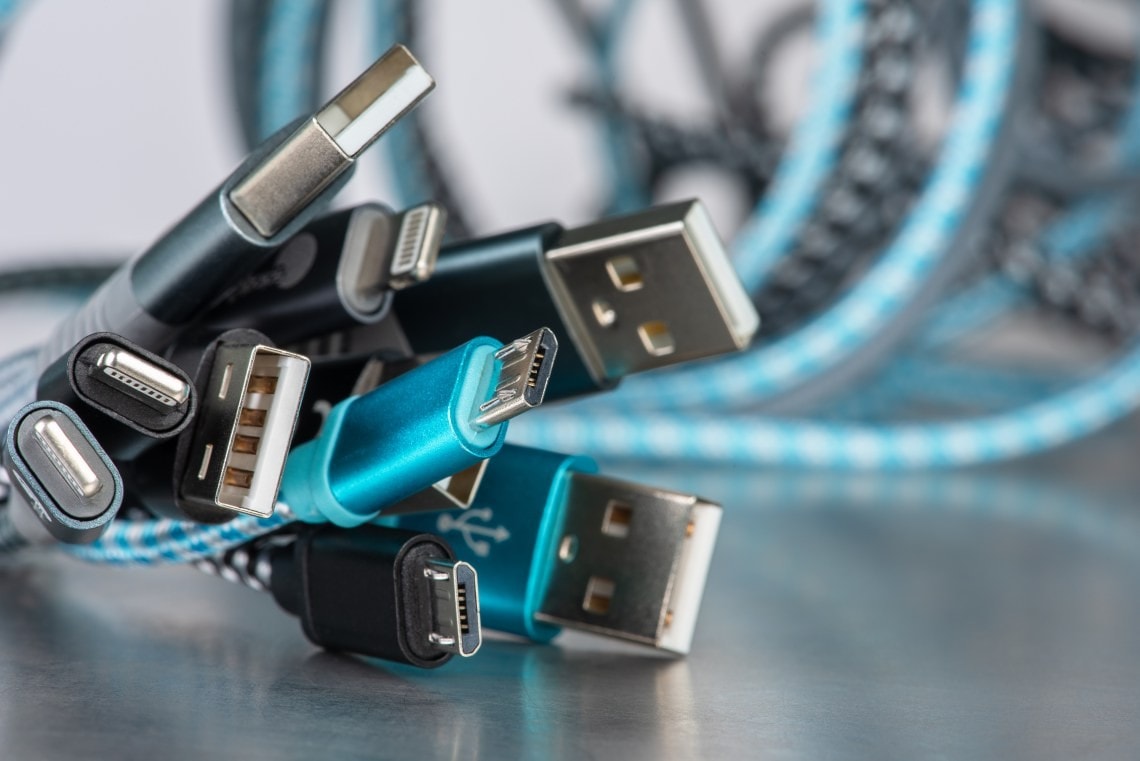
USB Cords
There are many types of connectors for USB including: Type-A, Type-B, Mini-A, Mini-AB, Mini-B, Micro-AB, Standard A, Standard B, USB 3.0 Micro-B, and Type-C®. While Micro USB connectors are the most common on cell phones for charging and connectivity, the Type-C connector has been designed to support USB 2.0, USB 3.0, USB 3.1 and USB 3.2 specifications reaching up to 20 Gbps data rates for use in new smaller, thinner and lighter devices.
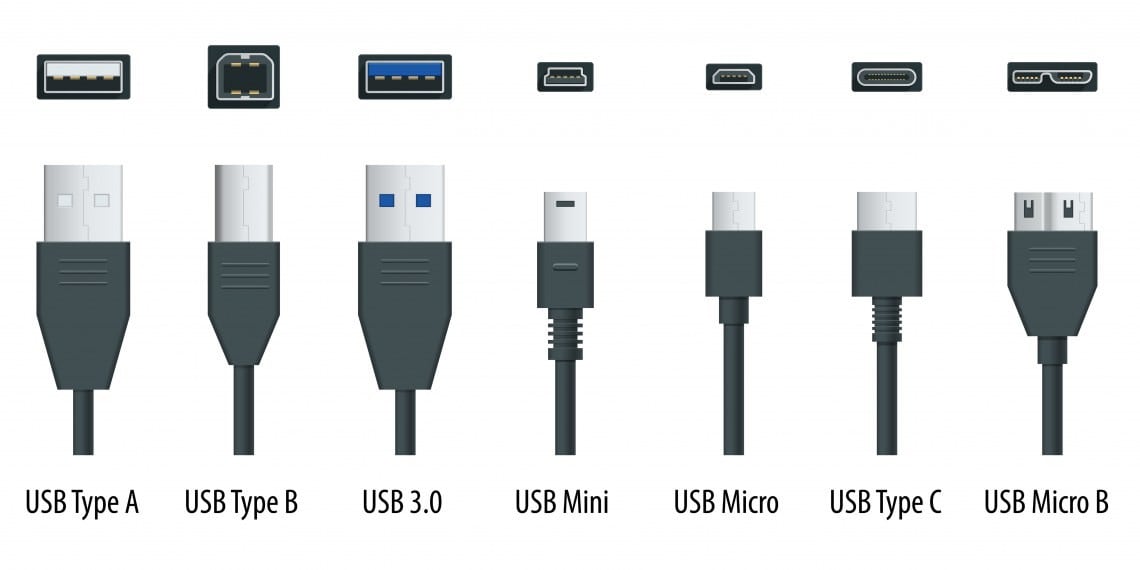
USB Types Chart
A USB controller handles all the communication via a USB stack running on a microcontroller (MCU), while a PHY provides the physical interface to the cable. Some hubs and MCUs integrate all components required for a USB system into a single IC.
Check out our scalable portfolio of microcontrollers (MCUs) and Digital Signal Controllers (DSCs) with integrated USB or our highly configurable stand-alone USB controllers, hubs, transceivers, switches and bridges.
There is a difference between the terms Hi-Speed USB and USB 2.0. USB 2.0 is the specification, while "Hi-Speed USB" refers to just the 480 Mbps portion of the USB 2.0 specification. A device can still be USB 2.0 compliant and be full speed or low speed.
The host is the root of the USB tiered star network. It controls the bus and initiates communication. The USB protocol mandates a single host in any USB system.
In general, a USB peripheral or device is something that connects to the USB host and uses some USB function such as data transfer or power transfer. Note that a “function” is some action enabled by the USB specification, such as Hi-Speed data transfer. Examples of devices and peripherals are physical items such as keyboards, storage devices, or portable electronics like mobile phones or portable game consoles. A USB hub is both a device and peripheral to the host.